
How Do I Leave My Team?
1. Go to your Team page.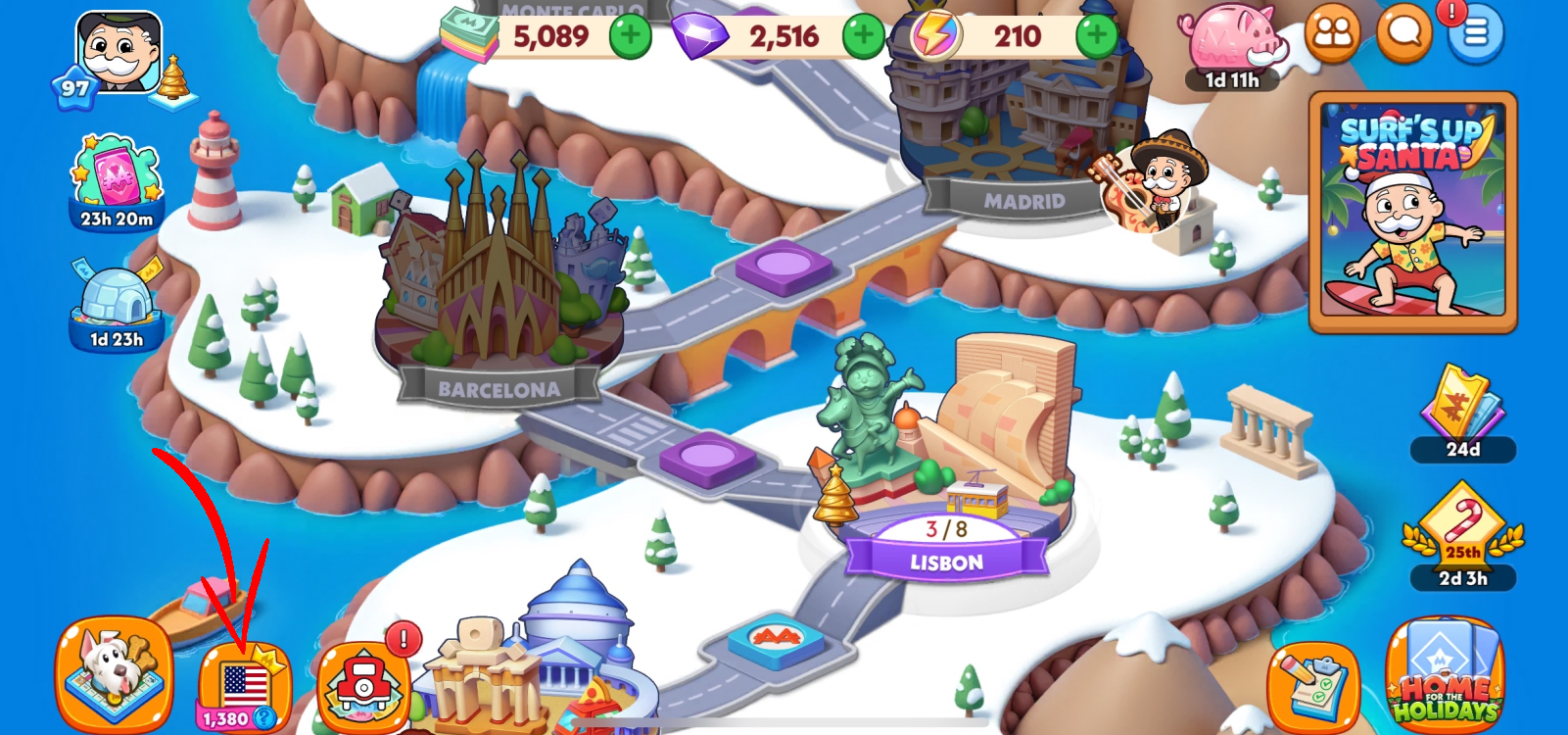
2. On the left side of the screen, tap your Team Name to open the team details.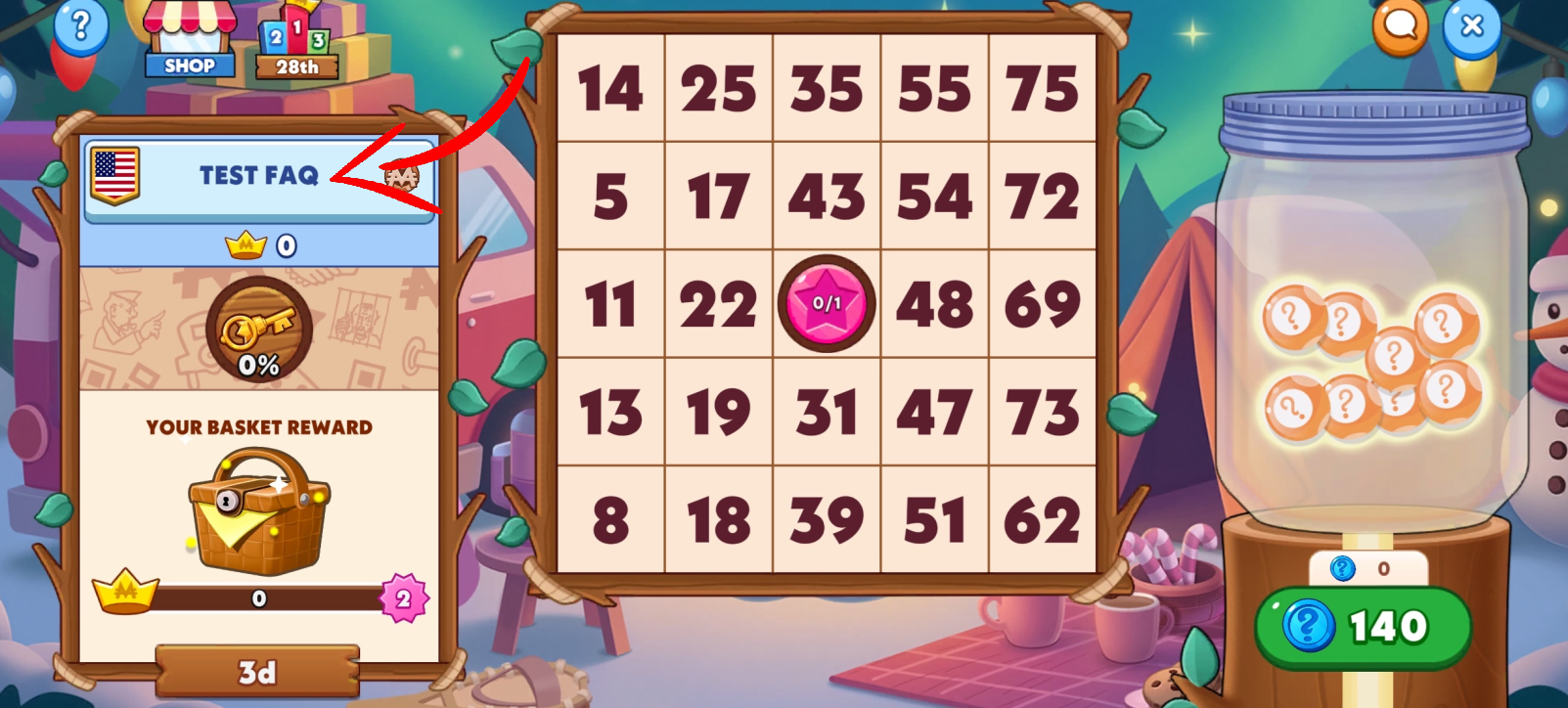
3. In the About section, select Leave Team.
4. A confirmation window will open, giving you the option to select Leave or Stay. If you are the Leader of the team, ownership will automatically be transferred to another player.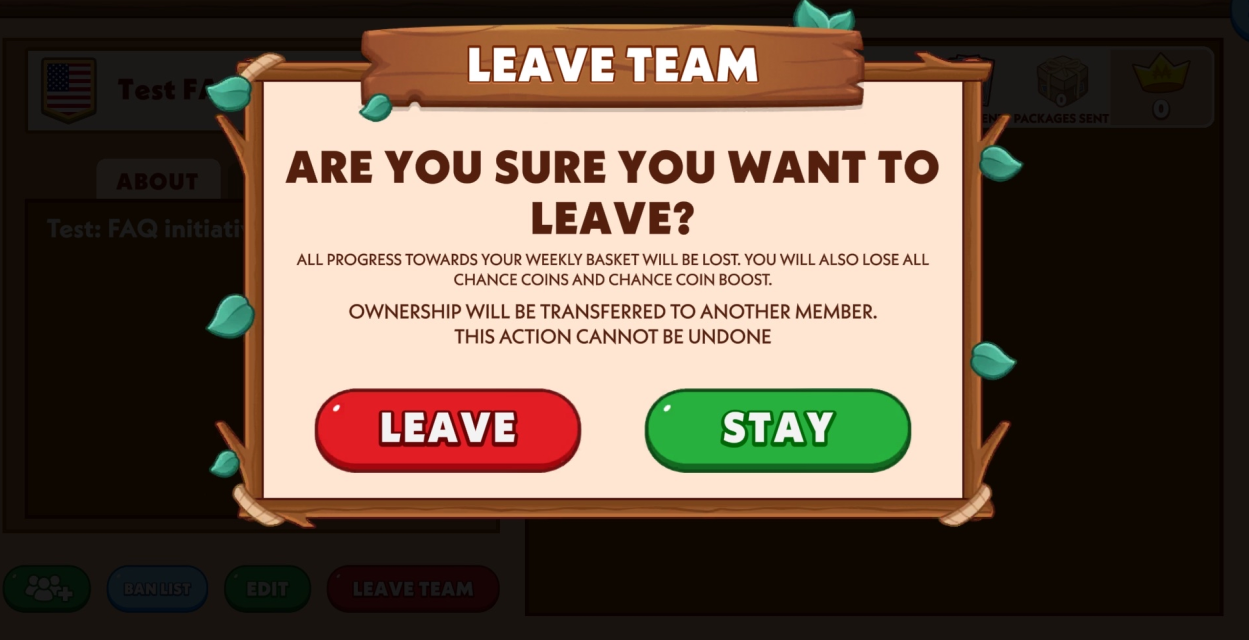
NOTE: Leaving your team will reset your progress toward the weekly basket. You will also lose any Chance Coins you’ve earned and any active Chance Coin Boost.
How Do I Leave My Team?
Last Updated: 17d