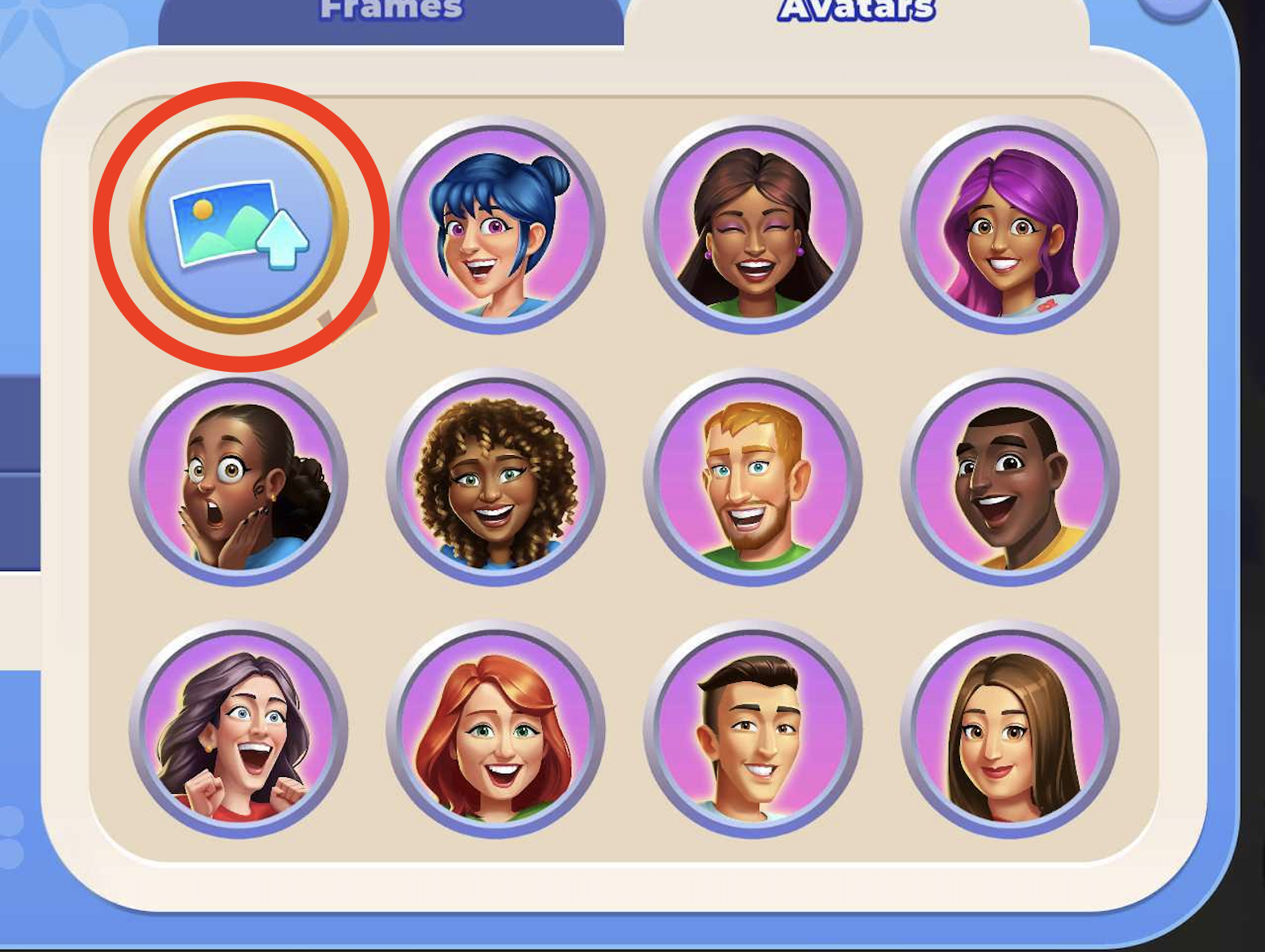
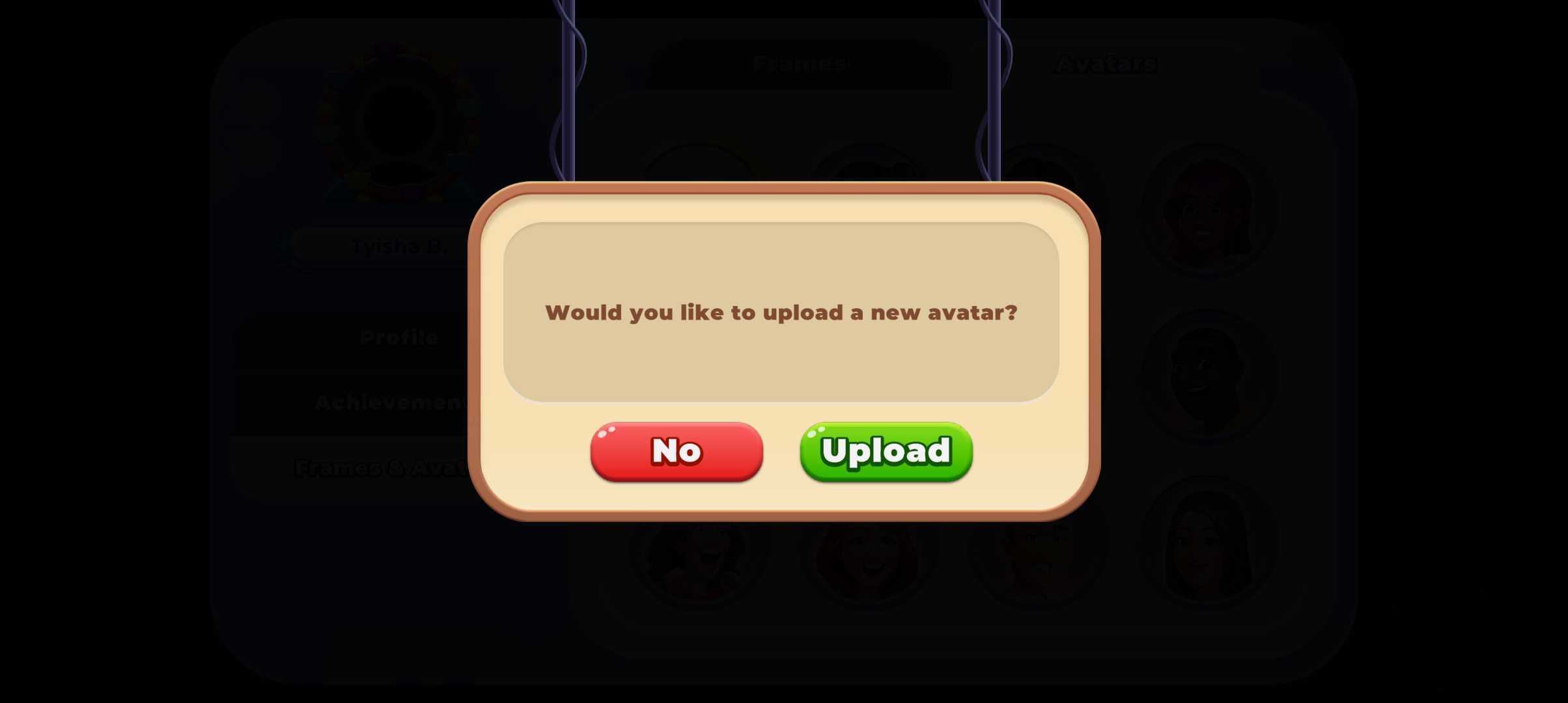
You can change your profile picture by following these steps:
1. Click on the profile icon in the top left corner.

2. Click on "Frame and Avatars" and click on the Avatar tab
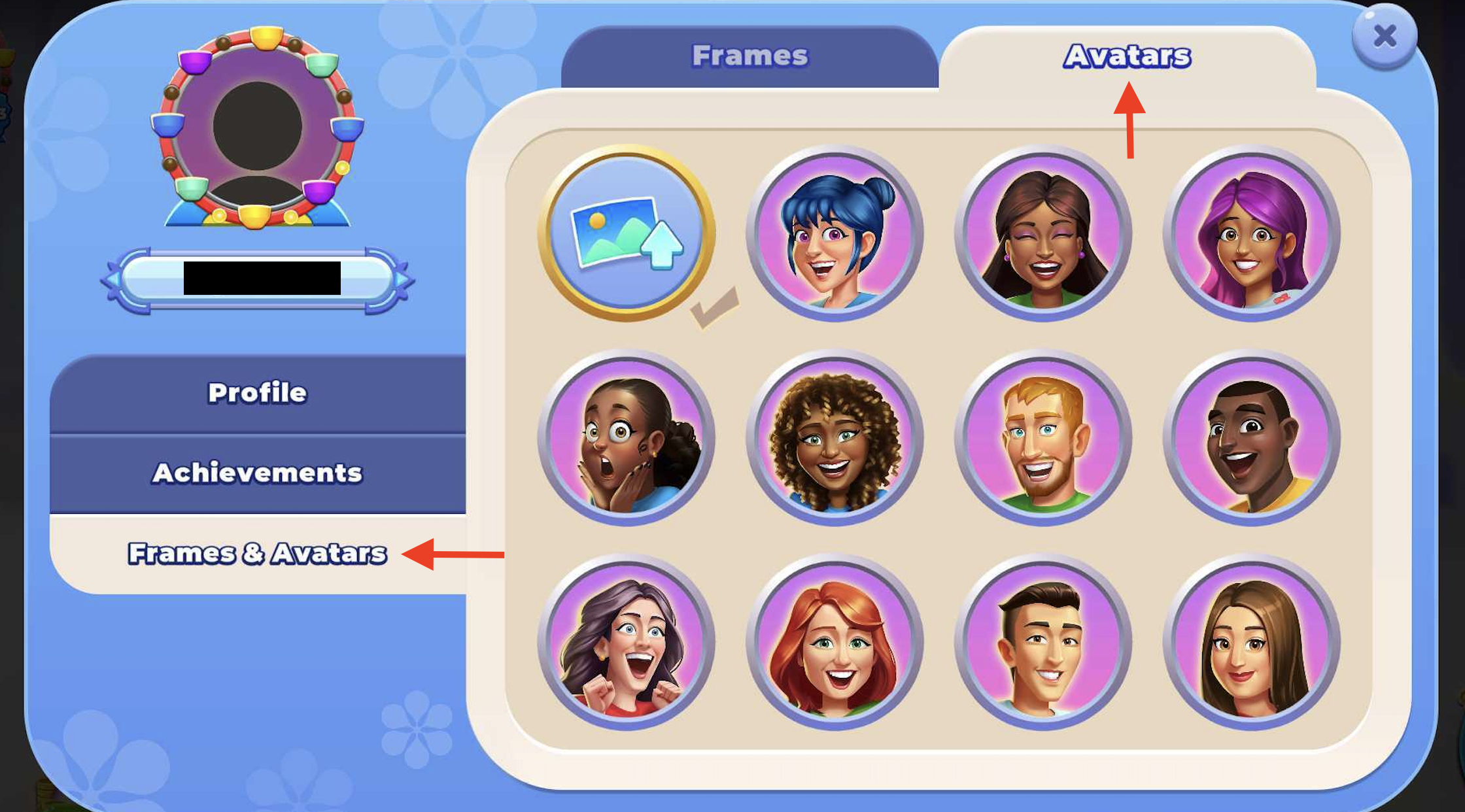
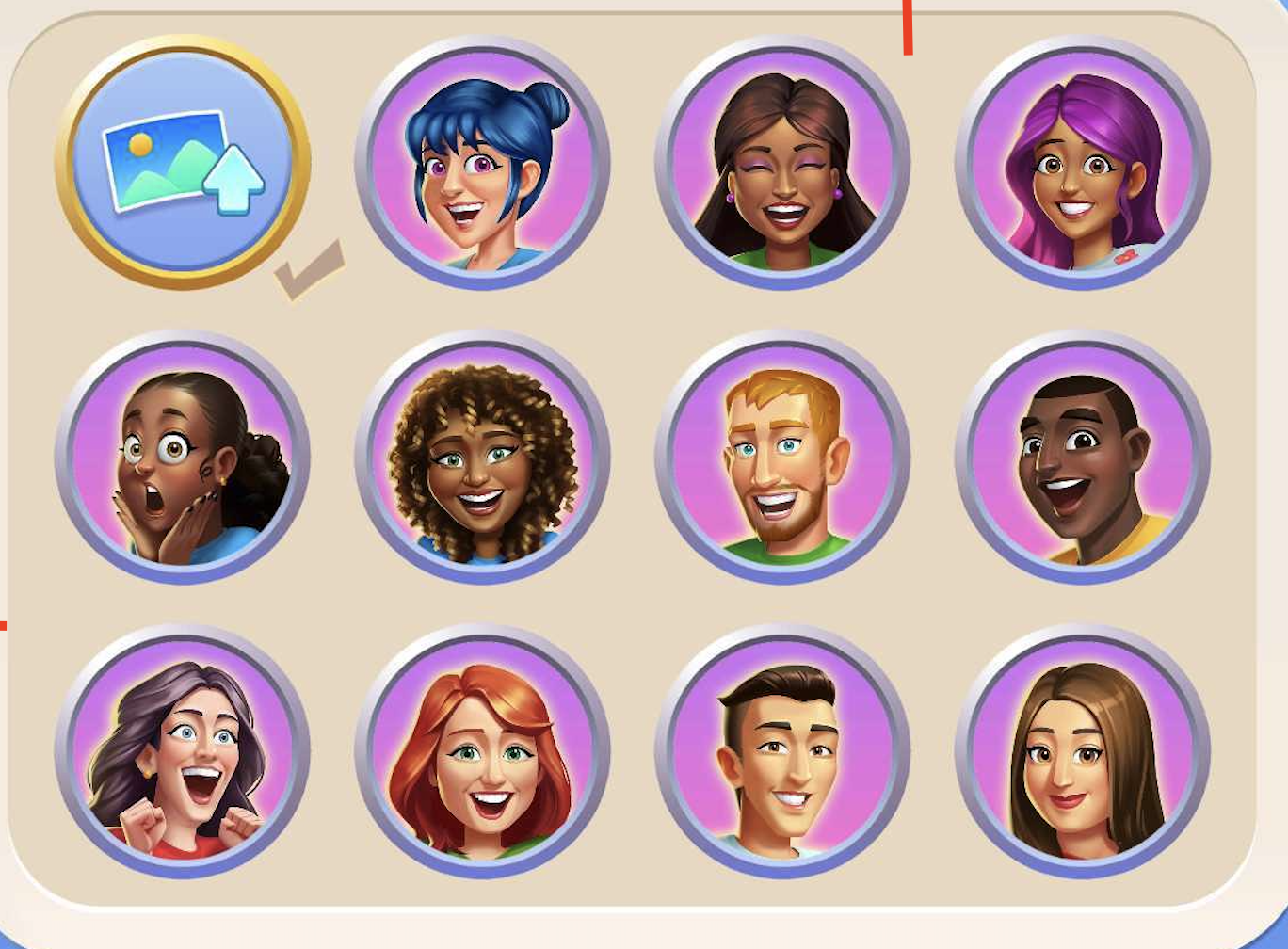
3. Either upload a profile picture or choose one of the avatars available.
How do I add my own profile picture?
To upload a profile picture, simply click on the first bubble and following the prompts to choose your profile picture.